

Business Data Encryption: A Guide for Customer Chats
Business data encryption for WhatsApp, Instagram and Telegram sellers: what to encrypt, at rest vs in transit, how to store tokens, and 10 vendor questions.
Mohamed Rasul
Founder & CEO, Raabt AI
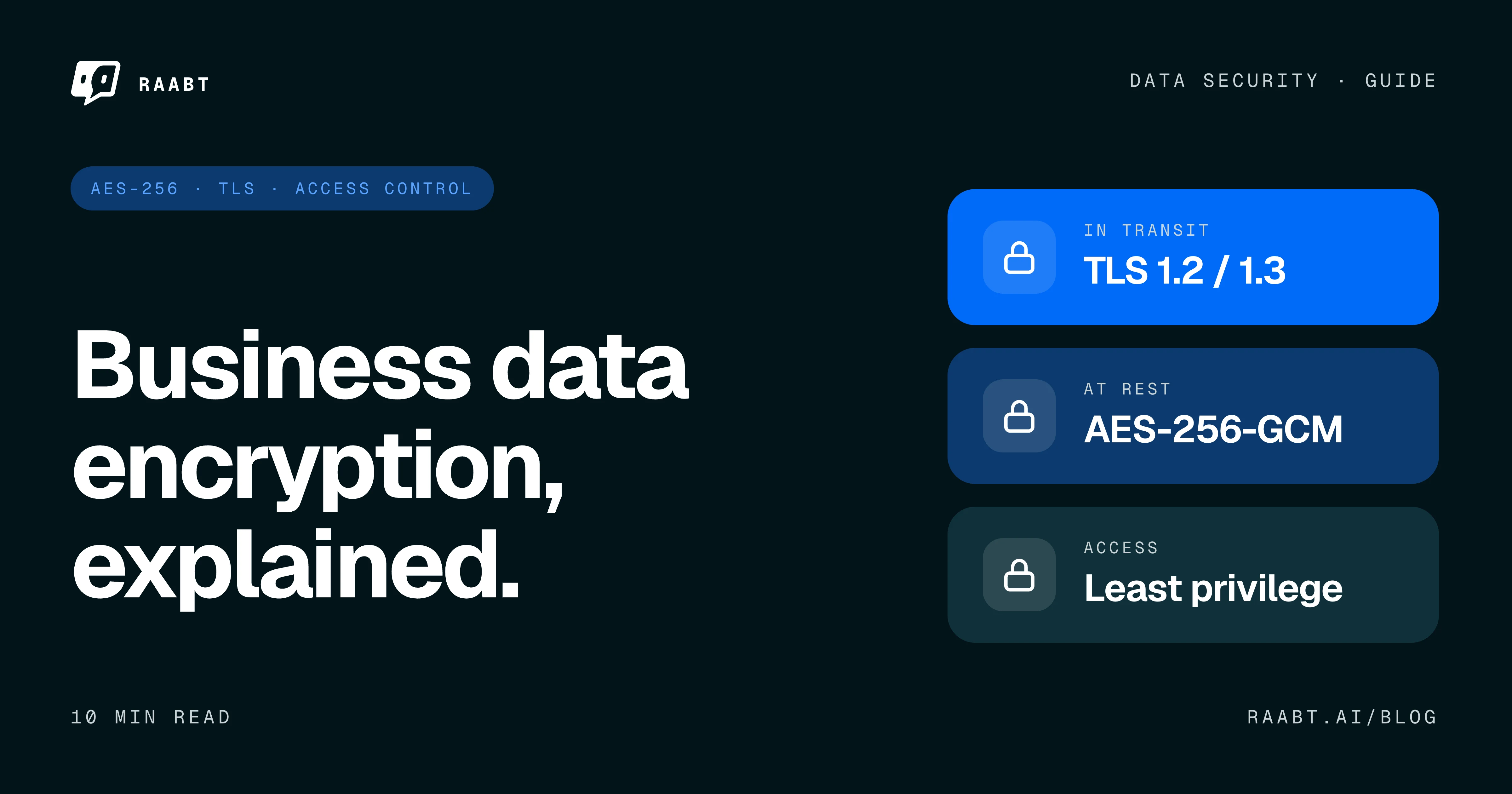
Every WhatsApp order, Instagram DM and Telegram support chat leaves customer data behind: phone numbers, delivery addresses, chat logs and the access tokens that connect your channels. Business data encryption turns that data into unreadable ciphertext for anyone without the key, while it moves across networks and while it sits in databases and backups.
Key Takeaways
- Business data encryption has two layers: encryption in transit (TLS) protects moving data, and encryption at rest (usually AES) protects stored data.
- Channel access tokens, API keys and webhook secrets are credentials. A leaked token can let an attacker act as your business, so encrypt them at the field level.
- Disk encryption protects a stolen drive, not a running server. Field-level encryption with keys kept outside the database still protects those fields in a leaked dump.
- AES-256-GCM is authenticated encryption: it hides data and detects tampering, and it relies on never reusing a nonce with the same key.
- Encryption does not stop anyone allowed to decrypt. An AI auto-reply platform must read messages to answer them, so access control and retention matter as much as ciphers.
What Business Data Encryption Should Cover in a Chat-First Company
A company that sells over chat, for example through a WhatsApp AI inbox, has its own data inventory:
- Credentials and secrets. Facebook Page and WhatsApp Business access tokens, Telegram bot tokens, AI provider keys, payment provider keys and webhook secrets.
- Customer PII. Phone numbers, email addresses, delivery addresses and customer IDs. In chat commerce, a phone number is often the customer's identity.
- Chat logs and media. Transcripts, voice notes, photos and invoices customers send.
- Staff passwords. These should be hashed, not encrypted (more below).
- Staff devices. Laptops and phones that open the inbox or hold exports. Turn on FileVault or BitLocker, device passcodes and remote wipe.
- Copies. Backups, CSV exports, logs and staging databases, which are often less protected than production.
A simple rule for customer data encryption: protect anything that grants access or identifies a person at the field level, and give every copy the same protection as the original.
Encryption at Rest vs in Transit
Encryption in transit protects data while it moves between a browser, your server and third-party APIs. Encryption at rest protects data stored on disks, in databases and in backups.
| Aspect | Encryption in transit | Encryption at rest |
|---|---|---|
| Protects against | Eavesdropping, tampering, fake servers | Stolen disks, leaked dumps, exposed backups |
| Typical standard | TLS 1.2 or TLS 1.3 | AES-256, often AES-256-GCM |
| Where it applies | Browser to app, webhooks, API calls | Disk, database, individual fields, backups |
| Does not cover | Data after it arrives and is decrypted | Data in use by a running application |
NIST SP 800-52 Rev. 2 requires US government TLS servers to support TLS 1.2 and to support TLS 1.3 by January 2024. That is a sensible baseline for any business: accept TLS 1.2 and 1.3, and disable anything older.
TLS only protects the trip. WhatsApp Cloud API delivers webhooks over HTTPS, and Meta's documentation explains that Cloud API decrypts incoming messages and forwards them to the business, keeping messages for at most 30 days. After that, storage and access controls take over.
Disk, Database and Field-Level Encryption
Encryption at rest comes in layers:
- Disk or volume encryption protects a stolen or discarded drive. While the server runs, the operating system decrypts data automatically, so an attacker inside the server sees plain data.
- Database file encryption has the same limit: anyone who can query the database gets plaintext back.
- Field-level encryption encrypts specific columns, such as a token or phone number, inside the application before they reach the database. The key lives elsewhere, so a leaked dump or copied backup shows ciphertext for those fields.
The trade-off is search: you cannot run a normal SQL filter on an encrypted column. A practical approach is to reserve field-level encryption for secrets and high-risk contact details. Teams that must look up customers by phone or email can store a keyed hash (a blind index) next to the ciphertext and search that instead.
AES-256-GCM: Key Size and Mode
AES is defined in FIPS 197 with 128-, 192- and 256-bit keys. AES-256 uses the largest of the three.
The mode matters as much as the key size. GCM (NIST SP 800-38D) is authenticated encryption: it keeps data confidential and detects whether anyone changed the ciphertext. Never reuse a nonce with the same key: nonce reuse breaks GCM's guarantees, so let a maintained library generate nonces, and never write your own cryptography.
How to Store API Keys and Access Tokens Securely
Choose based on whether you need the original value back:
- Encrypt secrets you must send to someone else: WhatsApp and Instagram access tokens, Telegram bot tokens, AI provider keys and payment keys. Use field-level AES-GCM with a key kept outside the database.
- Hash secrets you only verify: passwords, partner API keys and one-time codes. A hash cannot be decrypted back to the original, but short or guessable values can be brute-forced, so use a slow hash such as Argon2id or bcrypt for passwords and a keyed HMAC for codes.
- Keep them out of logs, error messages, analytics and URLs.
- Scope and rotate. Request only the permissions a token needs, and replace tokens when someone with access leaves.
Encryption at rest does not protect a token while it sits decrypted in memory during an API call. Server hardening and least privilege reduce that risk.
Encryption Key Management Basics
Encryption is only as strong as the place the key is kept. The classic failure is a key stored beside the data, in the same database or a committed config file.
- Separate keys from data. Keep keys in a secrets manager, KMS or server configuration the database cannot reach.
- Use envelope encryption at scale. A master key encrypts data keys, so rotating it does not mean re-encrypting everything.
- Derive purpose-specific keys with a key derivation function such as HKDF.
- Plan rotation and recovery. A lost key means lost data, including in backups.
Access Control and Least Privilege: Encryption Is Not Enough
Encryption stops people who lack the key, not people or systems allowed to decrypt. An AI auto-reply platform has to read a customer's message to write a reply, so its servers process readable messages.
The same logic applies upstream. WhatsApp's security whitepaper does not consider chats with businesses using Cloud API end-to-end encrypted, because messages are not delivered directly to an endpoint the business controls. See WhatsApp Business Cloud API vs Business App before you choose a setup.
So the next layer is about who can reach the data:
- Least privilege access control: give each teammate the smallest role that works. An agent answering chats does not need billing.
- Strong sign-in: add a second verification step and revoke sessions on logout.
- Tenant isolation: every request should prove the caller belongs to that business.
- Audit logs and retention: record privileged actions, and keep chat logs only as long as you need them.
Backups, Exports and Retention
Backups are complete copies of customer data, often kept longer and watched less closely than production. Encrypt backup files, restrict who can download them, test restores including key recovery, and delete old CSV exports shared over email or chat.
Encryption also carries legal weight. GDPR Article 32 names encryption as a security measure, and Article 34(3)(a) lets a controller skip notifying affected individuals of a breach when encryption made the data unintelligible to unauthorized people. The Article 33 duty to notify the supervisory authority within 72 hours of becoming aware of a breach is separate. Saudi Arabia's PDPL and Turkey's KVKK also set 72-hour regulator deadlines.
This is general information, not legal advice. Whether GDPR or another law applies, and whether an exemption fits a specific breach, depends on your situation, so consult a qualified lawyer.
Questions to Ask Any Chat or CRM Vendor
Before connecting your channels, use these chatbot vendor security questions as a written questionnaire:
- Which TLS versions do your endpoints accept?
- Which data is encrypted at rest, and at which layer? Is message content included?
- Are channel tokens and API keys encrypted at the field level, and where is the key stored?
- Are backups encrypted, and who can access them?
- Can your staff read our conversations, and is that access logged?
- What roles and permissions can we set for our team?
- How is our data isolated from other customers?
- Are our chats used to train AI models, by you or your AI providers?
- Who are your sub-processors, and where is data stored?
- Will you sign a DPA, and how quickly is data deleted after we leave?
Be skeptical of answers like "military-grade encryption" or "all data fully encrypted". A trustworthy vendor names the algorithm, the layer and the gaps.
What Raabt Encrypts and Protects Today
Each item below reflects Raabt's code as of September 2026.
- Field-level encryption: sensitive fields are encrypted at the application level with AES-256-GCM. New writes use a key derived via HKDF-SHA256, and older values are re-encrypted with it when they are next saved. The app refuses to start without a key of at least 32 characters.
- What is encrypted: credentials and tokens (channel access tokens for Facebook, Instagram, WhatsApp and Telegram, AI and payment provider API keys, webhook secrets) and selected contact details (customer phone numbers, emails and order addresses).
- Hashing: passwords use Argon2id (19 MiB memory, 2 iterations), and older bcrypt hashes are upgraded on login. Partner API key secrets are stored only as SHA-256 hashes.
- Sign-in: email and password sign-ins require a one-time code sent to the user's email before any session is issued (Google sign-in does not use this code). Codes are stored only as HMAC-SHA256 hashes, expire and work once.
- Team access: four roles (owner, admin, agent, viewer) with per-section permissions. Billing access cannot be delegated to non-owners.
- Isolation: business endpoints confirm the caller is an active member of that business and return "not found" otherwise.
- Webhooks and media: Meta webhooks are rejected without a valid X-Hub-Signature-256 signature, Telegram webhooks require a secret token, and attachments are served only through signed, expiring URLs.
- Infrastructure: the application is not exposed directly to the internet; public traffic reaches it through a Cloudflare Tunnel. Database error logs never include query parameters, so phone numbers and emails stay out of those logs.
- Platform admin audit log: platform admin actions are written to an append-only audit log (who, what, when, IP, with before/after snapshots and secrets redacted). This is not a log of customer messages.
What encryption cannot do here: an AI inbox has to read message text to write a reply, so conversation content is processed in readable form on the server. That is exactly why the access-control, retention and backup points above carry as much weight as the cipher you pick.
Meta data deletion requests return a confirmation code with a status link on our data deletion page. Account deletion requires your password plus an emailed one-time code, and the account is deactivated and its email anonymized.
Business Data Encryption Checklist: A Rollout Order for Small Teams
Data encryption for small business works best in a fixed order, starting with what does the most damage when leaked:
- Serve everything over HTTPS with TLS 1.2 or 1.3 only.
- Turn on full-disk encryption and screen locks on every device that opens customer chats.
- Move tokens and API keys into field-level encryption with separate keys.
- Hash passwords with Argon2id or bcrypt and add a second sign-in step.
- Encrypt customer phone numbers, emails and addresses.
- Encrypt backups, set least-privilege roles and set chat retention periods.
- Send the vendor questions to every chat, CRM and AI tool you use.
Frequently Asked Questions
What business data should be encrypted?
Start with anything that grants access or identifies a person: channel tokens, API keys, webhook secrets, and customer phone numbers, emails and addresses. Then cover chat logs, staff devices and every backup or export.
What is the difference between encryption at rest and encryption in transit?
Encryption in transit, usually TLS, protects data moving between devices, servers and APIs. Encryption at rest, usually AES, protects stored data.
Is AES-256 encryption enough to protect customer data?
AES-256 is strong, but the algorithm is seldom the weak point. Common failure points are weak key storage, reused nonces, broad staff access and unprotected backups.
How do you store API keys and access tokens securely?
Encrypt tokens you must reuse with field-level AES-GCM and keep the key outside the database. Hash secrets you only verify, such as passwords and partner API keys.
If I use HTTPS, is my data protected on the server?
No. HTTPS protects data in transit only. On the server, safety depends on at-rest encryption, access control and backup handling.
What security questions should I ask a chatbot or CRM vendor?
Ask which TLS versions they accept, what is encrypted at rest and at which layer, where keys are stored, whether staff access to chats is logged, who their sub-processors are and where data is stored, whether chats train AI models, and whether they will sign a DPA with a deletion deadline.
Ready to run your chats on an AI inbox that encrypts channel tokens and selected customer contact details? Start free.
You might also like
More posts tagged like this one.