

WhatsApp Business App Coexistence: Keep the App, Add AI
Connect your WhatsApp Business app number to Raabt with a QR scan. Keep the app, and add an AI agent, a team inbox, bulk campaigns and orders.
Mohamed Rasul
Founder & CEO, Raabt AI
TL;DR
- Coexistence is Meta's way to connect the number you already use in the WhatsApp Business app to the WhatsApp Business Platform, without moving off the app.
- With Raabt, it takes a few minutes: choose Connect WhatsApp Business App, enter your number and scan the QR code with the WhatsApp Business app on your phone.
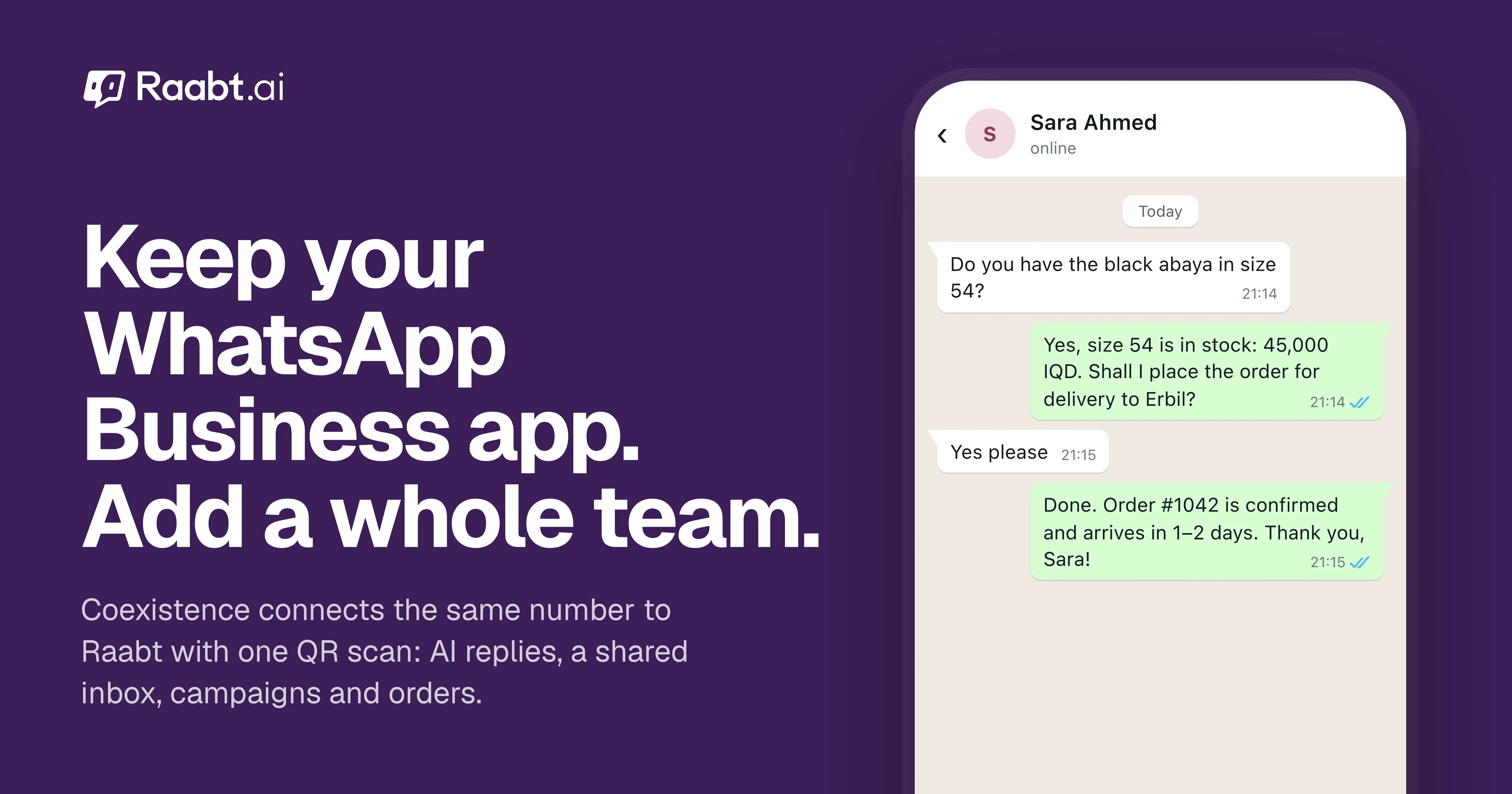
- You keep your number, your app and your one-to-one chats. On top, you get an AI agent that answers 24/7, a shared inbox for your whole team, contacts you can organize, bulk campaigns and orders taken inside the chat.
- Messages you send from the app stay free. Messages sent through Raabt are charged by Meta at its own rates, with nothing added by Raabt.
The problem with one phone
For most small businesses in the region, WhatsApp is the shop counter. It usually lives on one phone: the owner's, or one passed between staff. That works until it doesn't:
- Nobody answers at night, during prayer times or on busy weekends.
- Two people can't work the same chats at the same time.
- Customer details are scattered across chats, and nobody knows who ordered what.
- Broadcast lists stop at 256 contacts and give you no idea who actually read your message.
Moving to the WhatsApp Cloud API used to fix this, but it meant giving up the app on that number. Coexistence removes that trade-off.
What coexistence is
Coexistence lets the same phone number work in the WhatsApp Business app and on the WhatsApp Business Platform at the same time. Your customers don't see any change: same number, same business name, same chat.
- Customer messages reach both your phone and Raabt.
- You can still reply from your phone whenever you want.
- Raabt's AI and your team reply from Raabt, and those replies appear on your phone too.
How to connect it
- In Raabt, open Social Connections, choose WhatsApp, then Connect WhatsApp Business App.
- Meta's signup window opens. Log in with Facebook and pick or create your business portfolio.
- Enter the phone number you use in the WhatsApp Business app.
- Scan the QR code with the WhatsApp Business app on your phone and confirm the connection.
- That's it. New customer messages start arriving in your Raabt inbox.
You need WhatsApp Business app version 2.24.17 or newer, and Meta checks that the number is an active WhatsApp Business app account.
What you can do once it's connected
An AI agent that never sleeps
Raabt's AI answers customers on your WhatsApp number day and night, in Arabic, Kurdish, English and the other languages your customers write in. It answers from your own knowledge base: products, prices, delivery areas, opening hours and policies. On plans with human handover, it passes the chat to your team when a question needs a person, instead of guessing.
More than one person on the same number
Instead of passing one phone around, invite your team into one shared inbox. Each person gets their own login and a role:
| Role | What they can do |
|---|---|
| Owner | Everything, including billing |
| Admin | Everything except billing, including managing the team |
| Agent | View and reply to conversations |
| Viewer | Read conversations and contacts without changing anything |
Chats can be assigned to a teammate, so everyone knows who is handling which customer and nobody gets two different answers.
Contacts you actually control
Every customer who writes to you becomes a contact in Raabt, with their name, number, status and conversation history in one place. You can import your existing customer list from a CSV or Excel file, block spam numbers, and see who is reachable before you send anything.
Bulk campaigns with real results
Coexistence turns off broadcast lists in the WhatsApp Business app. Raabt's bulk campaigns replace them, and go further: send an approved template to all your contacts or a chosen group, schedule it, and see for every person whether the message was delivered, read or failed.
Orders taken inside the chat
When a customer is ready to buy, the AI collects the details and creates the order for you. Orders show up in Raabt's Orders page, where your team confirms and tracks them. No more copying details from chats into a notebook.
Follow-ups and handovers
The AI can schedule a follow-up when a customer says "later", flag spam, and summarize long conversations for whoever picks them up next. Which of these you get depends on your plan.
What stays the same, and what changes
Stays the same:
- Your number, business name and profile.
- One-to-one chats in the WhatsApp Business app on your phone.
- Voice and video calls, which keep ringing on your phone. (Raabt's WhatsApp call center needs a number connected directly to the Cloud API.)
Changes, by Meta's rules for coexistence:
- Broadcast lists are turned off in the app. Use Raabt campaigns instead.
- Disappearing messages, view once and live location are turned off in one-to-one chats.
- Group chats stay in the app only.
- Sending is limited to 20 messages per second on the number, which is plenty for most businesses.
- Open the WhatsApp Business app at least once every 14 days. If the phone stays inactive longer than that, Meta disconnects the number from the platform and you'll need to connect it again.
What it costs
- Messages you send from the WhatsApp Business app stay free, exactly as before.
- Messages sent through Raabt follow Meta's per-message pricing, billed by Meta at its own rates with no Raabt markup. Since October 1, 2026, Meta charges replies inside the 24-hour customer service window after 1,000 free ones per number each month, and template messages by category and country. Our bulk messaging post has the full October 2026 rate table.
- Raabt itself is a monthly plan. See pricing.
FAQ
Will I lose my chats? No. Your chats stay in the WhatsApp Business app on your phone, and you keep using it.
Will my customers notice anything? No. They message the same number and see the same business name.
Can I switch it off later? Yes. You can disconnect the number from Raabt at any time and keep using the WhatsApp Business app on its own.
Is it the same as the full WhatsApp Cloud API? Almost. If you want WhatsApp calls in Raabt's call center or higher sending speeds, connect a number directly to the Cloud API instead. Our guide to the Business app vs the Cloud API explains the difference.
Ready to keep your app and add a team? Create a free account, open Social Connections and choose Connect WhatsApp Business App. More on Raabt for WhatsApp.
You might also like
More posts tagged like this one.