

Why WhatsApp Business Gets Slow on iPhone, and the Fix
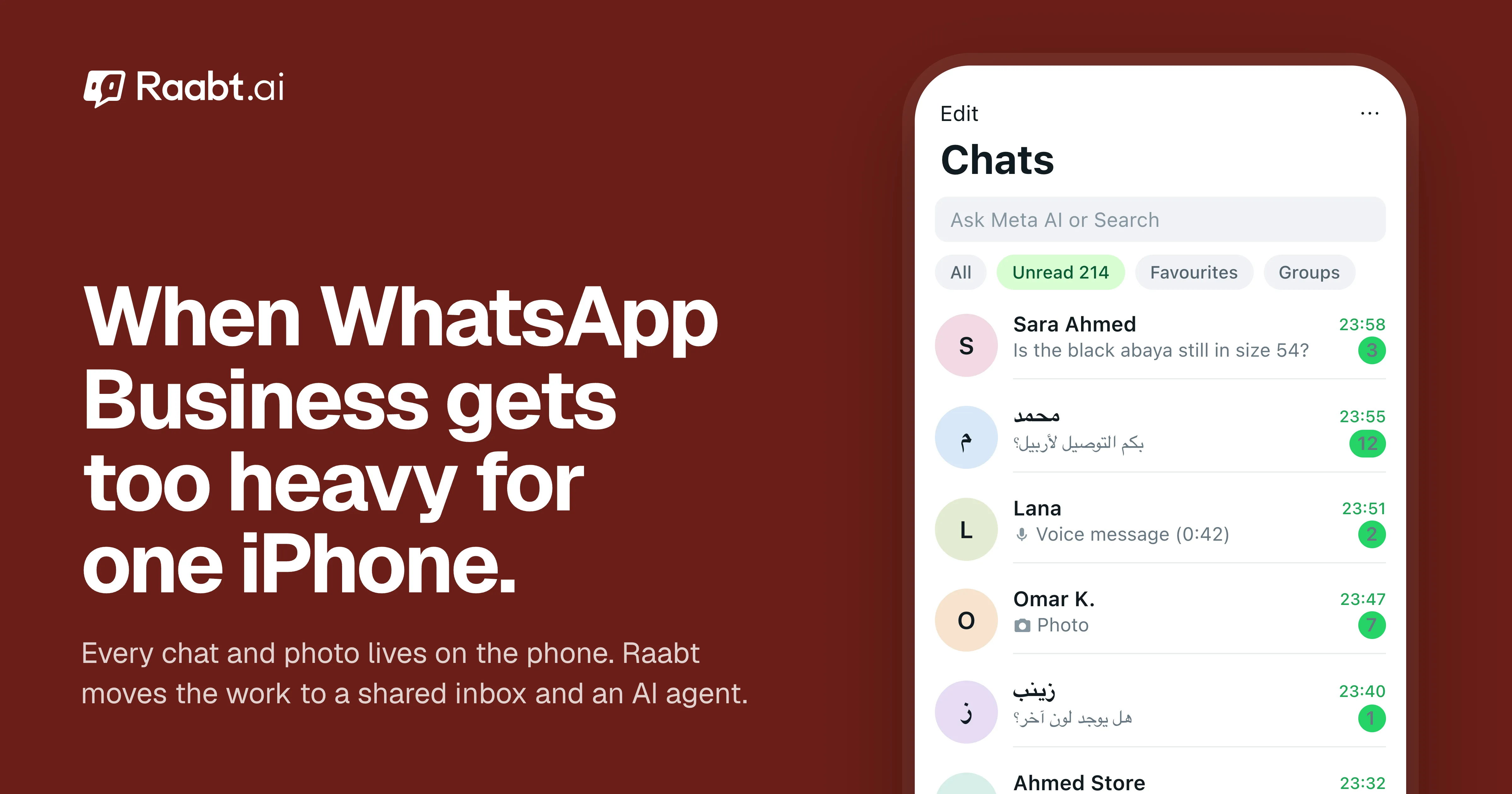
The WhatsApp Business app keeps every chat and photo on your iPhone, so it slows down as you grow. Here are the quick fixes and the lasting one.
Mohamed Rasul
Founder & CEO, Raabt AI
TL;DR
- The WhatsApp Business app keeps every chat, photo, voice note and video on the phone itself. On a busy business number, that history grows every day, and the iPhone has to carry all of it.
- The result is familiar: the app takes longer to open, the chat list lags, search crawls, storage fills up and iCloud backups get huge.
- Cleaning up storage helps for a while. The lasting fix is to move the work off the phone: Raabt keeps your conversations in a browser inbox, lets an AI agent answer most messages, and lets your whole team work at once.
- You can do it while keeping the app (coexistence) or by moving the number to the WhatsApp Cloud API so the phone is no longer part of the job.
Why the app gets slower as you grow
The WhatsApp Business app was built for one person and one phone. That's exactly why it struggles once a business takes off.
- Everything is stored on the device. Your full message history and all the media customers send you live in the app's storage on your iPhone. Thousands of customers mean a lot of history.
- Media adds up fast. Product photos, screenshots of transfers, voice notes and videos are what fill a business phone, often far more than text.
- Search works on your phone. Looking up an old order means searching everything stored on the device.
- Backups grow with it. On iPhone, WhatsApp backs up to iCloud. The bigger the history, the longer each backup takes and the more iCloud space it uses.
- One account, one inbox. Linked devices let a few people log in, but everyone shares the same chats with no way to assign a customer to a person.
None of this is a bug. It's what happens when a phone app becomes your shop's front desk.
Signs you've outgrown the phone
- The app takes several seconds to open, or the chat list stutters when you scroll.
- Search takes long enough that you give up and scroll instead.
- iOS keeps warning you that iPhone Storage is almost full.
- iCloud backups take hours or stop halfway.
- Customers wait because the one person with the phone is busy, asleep or on the road.
- Staff ask "who answered this customer?" and nobody knows.
Quick fixes on the iPhone
These buy you time, and they're worth doing either way:
- Clean up large files. In WhatsApp, open Settings → Storage and Data → Manage Storage to see which chats and files take the most space, and delete what you don't need.
- Stop saving every photo. In Settings → Storage and Data → Media Auto-Download, set photos, audio, videos and documents to download only when you tap them.
- Leave videos out of backups. In Settings → Chats → Chat Backup, turn off Include Videos to keep iCloud backups smaller.
- Archive finished conversations so the chats you're working on stay at the top.
They make the phone lighter. They don't change the fact that one device is doing the work of a whole team.
How Raabt takes the load off
Conversations live in an inbox, not on a phone
Raabt keeps your WhatsApp conversations on its servers and shows them in a browser inbox on any laptop or computer. The list loads page by page, so a long history doesn't slow down today's chats, and you can search conversations, contacts and orders without touching your phone.
An AI agent answers most messages
Most questions are the same ones: price, sizes, delivery time, location, opening hours. Raabt's AI answers them from your own knowledge base, in Arabic, Kurdish, English and the other languages your customers write in, day and night. Your team only sees the conversations that need a person.
A team instead of one phone
Invite your staff with their own logins and roles, assign chats to the right person, and work on the same number at the same time. Nobody waits for the phone.
Contacts and campaigns in one place
Every customer becomes a contact you can search, filter by status and message in bulk campaigns, with delivery receipts for each person.
Two ways to connect
| Keep the app only | Coexistence (app + Raabt) | Cloud API (Raabt only) | |
|---|---|---|---|
| Where you work | On the phone | Mostly in Raabt, the phone still works | In Raabt |
| AI answers | No | Yes | Yes |
| Team with roles | Shared linked devices | Yes | Yes |
| Messages on the phone | All of them | All of them | None |
| WhatsApp calls in Raabt's call center | No | No | Yes |
- Coexistence keeps the WhatsApp Business app on the same number while Raabt and your team handle the volume. The app still receives every message, so keep the quick fixes above. Read how coexistence works.
- Cloud API moves the number to Raabt completely. The phone stops being part of the job: no more app to load, no more phone storage to manage, and you also get Raabt's WhatsApp call center and higher sending speeds. Before you switch, export any chats you want to keep with WhatsApp's Export Chat; new conversations live in Raabt. Our guide to the Business app vs the Cloud API explains the switch.
What it costs
Messages you send from the WhatsApp Business app stay free. Messages sent through Raabt are billed by Meta at its own per-message rates, with no Raabt markup, and Raabt itself is a monthly plan. See pricing.
FAQ
Do I need a new phone number? No. Both coexistence and the Cloud API work with the number your customers already know.
Will Raabt make my iPhone faster? With the Cloud API, the WhatsApp Business app is no longer used on that number, so it stops weighing on your iPhone. With coexistence the app keeps receiving messages, but your team does the work in Raabt.
Is this only an iPhone problem? No. Android phones grow the same history. iPhone users notice it more because storage can't be expanded and backups go to iCloud.
Ready to take WhatsApp off one phone? Create a free account and connect your number in Social Connections. More on Raabt for WhatsApp.
You might also like
More posts tagged like this one.